


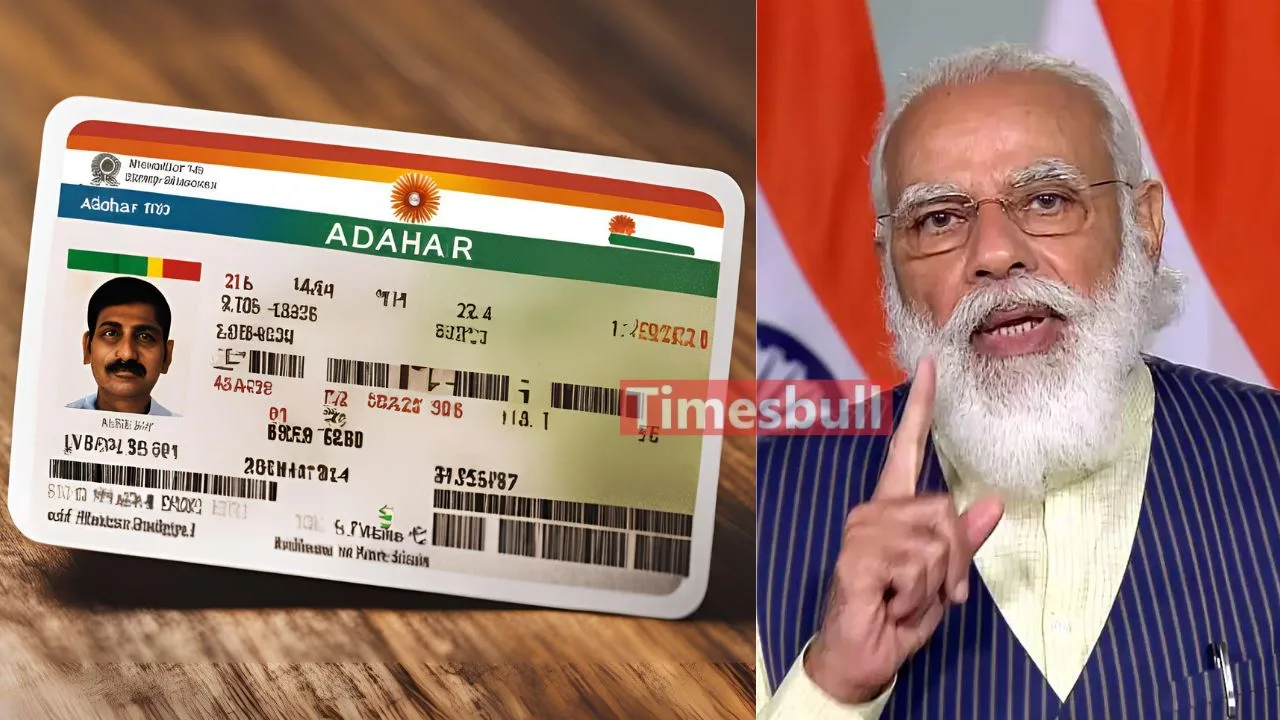
How to find lost Aadhaar details: The Aadhaar card has become an important identity card for everyone today. It is required for banking, SIM cards, government schemes, and other services. If you have forgotten your Aadhaar number, there is no need to worry. Throughout this article, we will share all the details about the simple ways to retrieve a lost Aadhaar card online and offline.
Find Your Aadhaar Number Online Like This
If your mobile number or email ID is linked to your Aadhaar, you can retrieve your Aadhaar number from the official UIDAI website.
- Go to the UIDAI website (https://uidai.gov.in).
- In the “My Aadhaar” section, select “Retrieve Lost or Forgotten EID/UID.”
- Enter your name, PIN code, and security captcha.
- An OTP will be sent to your registered mobile number. Enter the OTP.
- You will receive your Aadhaar number via SMS or email.
Get your Aadhaar Number from the mAadhaar App
You can also check your Aadhaar number through UIDAI’s official mAadhaar app.
- Download the mAadhaar app from the Google Play Store or Apple App Store.
- Log in using your registered mobile number.
- After logging in, you can view your Aadhaar number in the app.
Get Aadhaar Number Offline from Aadhaar Seva Kendra
If you cannot retrieve your Aadhaar number online, visit the nearest Aadhaar Seva Kendra.
- Go to your nearest Aadhaar Seva Kendra.
- Carry a valid ID proof such as a PAN card, voter ID, or any other government-issued ID.
- The Aadhaar centre staff will verify your details and provide your Aadhaar number.