

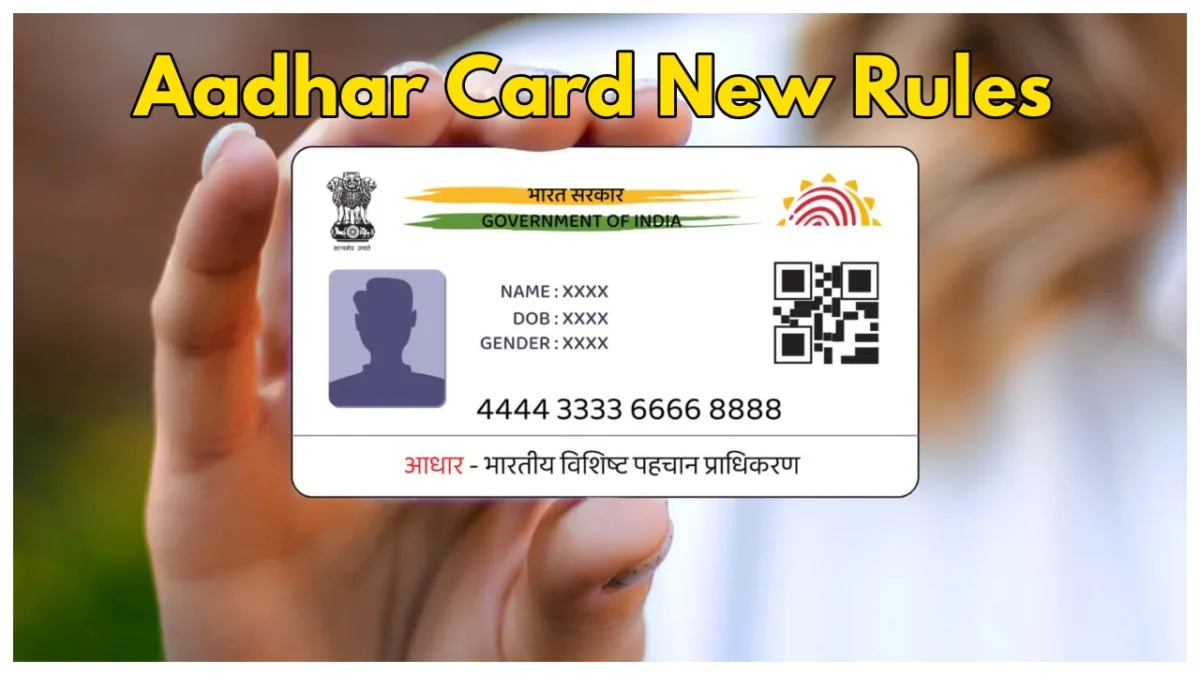
The Aadhaar card has become a primary identification document for Indian residents. This 12-digit unique ID helps access government services, banking facilities, and telecom connections. However, if not handled carefully, it can be misused. Fraudsters have exploited stolen Aadhaar details for financial fraud, identity theft, or unauthorized service access. Victims may face blocked services, financial losses, or legal issues due to activities carried out in their name.
You can’t check directly if your Aadhaar is being misused, but you can track where it has been used for services like travel, accommodation, banking, and more. The Unique Identification Authority of India (UIDAI) offers tools to help users monitor and secure their Aadhaar. Here’s a step-by-step guide to help you keep an eye on your Aadhaar usage and protect it from misuse.
How to Check Aadhaar Usage
- Visit the MyAadhaar Portal
- Enter Aadhaar Number & OTP
- Enter your Aadhaar number, captcha, and click “Login with OTP.”
- Select “Authentication History”
- Choose the date range to review your Aadhaar usage.
- Check for Suspicious Activity
- Look for unfamiliar transactions and report them to UIDAI.
No one can hack into your bank account just by knowing your #Aadhaar number. #AadhaarMythBuster pic.twitter.com/o2Iq15YYGW
— Ravi Shankar Prasad (@rsprasad) January 17, 2018
How to Report Misuse
- Call the UIDAI helpline at 1947
- Email your report to help@uidai.gov.in
Lock Aadhaar Biometrics
- Visit UIDAI Website
- Go to “Lock/Unlock Aadhaar” Section
- Enter Required Details
- Complete the OTP Process to Lock Biometrics
