

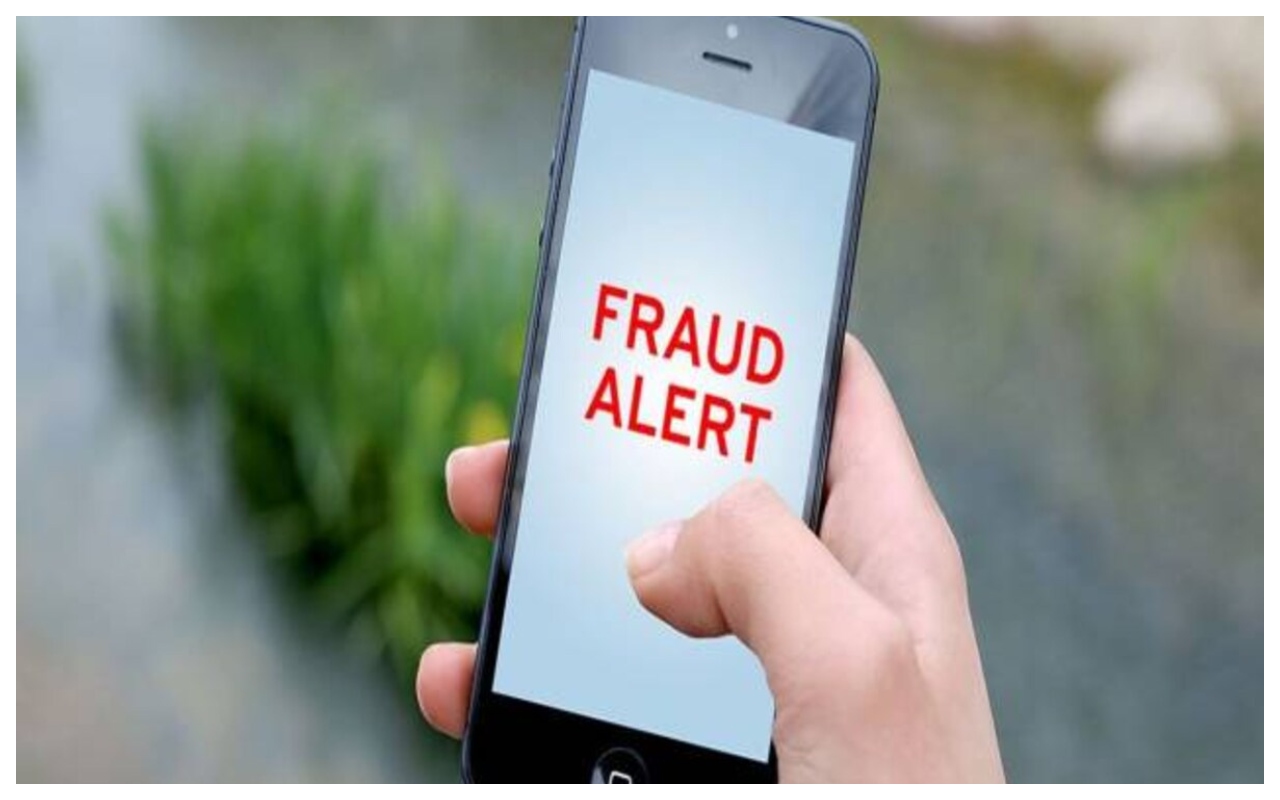
Cybercrime is rising swiftly in India, with fraudsters employing novel strategies to aim at individuals and take their personal information. Frequently, these fraudsters develop counterfeit apps that resemble the authentic ones. Naive individuals install these applications, leading to the exposure of their sensitive information, including credit card numbers, banking data, and other details. These applications share your personal information with hackers, who may exploit it. Hackers might also utilize this information to deceive or extort you, particularly when they acquire your personal photos or videos. Nevertheless, conversely, the government continuously implements measures to combat cyber crime.
Telecommunications released a video on X that describes how to recognize harmful apps
Recently, the Department of Telecommunications released a video on X that describes how to recognize these fake and harmful apps on your device. Besides this, we want to inform you that starting from tomorrow, i.e., 11 December, TRAI will implement the ‘Message Traceability’ rule, which will alleviate the issue of fake messages. No message will be accepted that does not utilize the telemarketers’ number series.
आपके फोन में harmful apps तो नहीं?
पता लगाने के लिए वीडियो देखें👇 pic.twitter.com/2xTkS90Lml
— DoT India (@DoT_India) December 8, 2024
How to identify dangerous apps from your smartphone?
- First of all open Google Play Store in the phone.
- After that, tap on the profile icon at the top right.
- Select the Play Protect option in the menu.
- After this click on the scan button.
- After the scan is complete, if any dangerous app is found in the device, you will get an alert.