

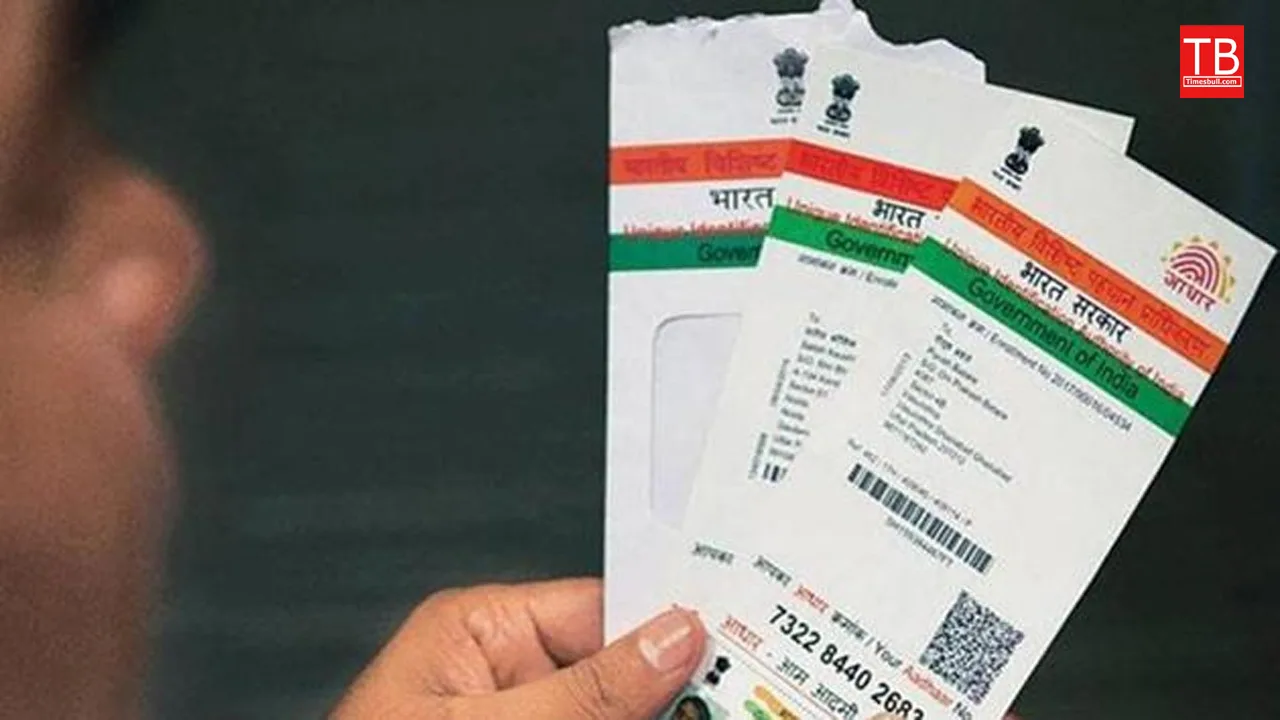
Big news for Aadhaar Card holders. Currently, the Aadhaar card is an essential document in India. It features a unique 12-digit number assigned to each individual. The card serves to verify a person’s identity and is issued by the Unique Identification Authority of India. Since its launch, the Aadhaar card has played a significant role in reducing instances of fake identities, thereby curbing corruption.
In today’s world, having an Aadhaar card is crucial for accessing various government benefits and online services. It is also required for enrolling children in schools or starting new jobs. The Aadhaar card contains vital information, including both biometric and demographic data. Unfortunately, many people misplace their Aadhaar cards and may forget their Aadhaar number, leading to frustration. Today, we will share some effective methods to help you retrieve your Aadhaar number.
How to retrieve your Aadhaar Number?
1. Start by visiting the official UIDAI website and selecting the “Retrieve Lost or Forgotten EID/UID” option in the MyAadhaar section. Make sure you have access to your registered mobile number and email ID.
2. Next, fill in your name, PIN code, and the security captcha code. Shortly after, you will receive an OTP on your registered mobile number.
3. Enter the OTP, and your Aadhaar number will be sent to you via SMS or email.
4. Alternatively, you can visit the nearest Aadhaar Seva Kendra or call UIDAI’s toll-free number, 1947, to find your Aadhaar number.
5. You can also check your Aadhaar number by logging into the mAadhaar app using your registered mobile number.
