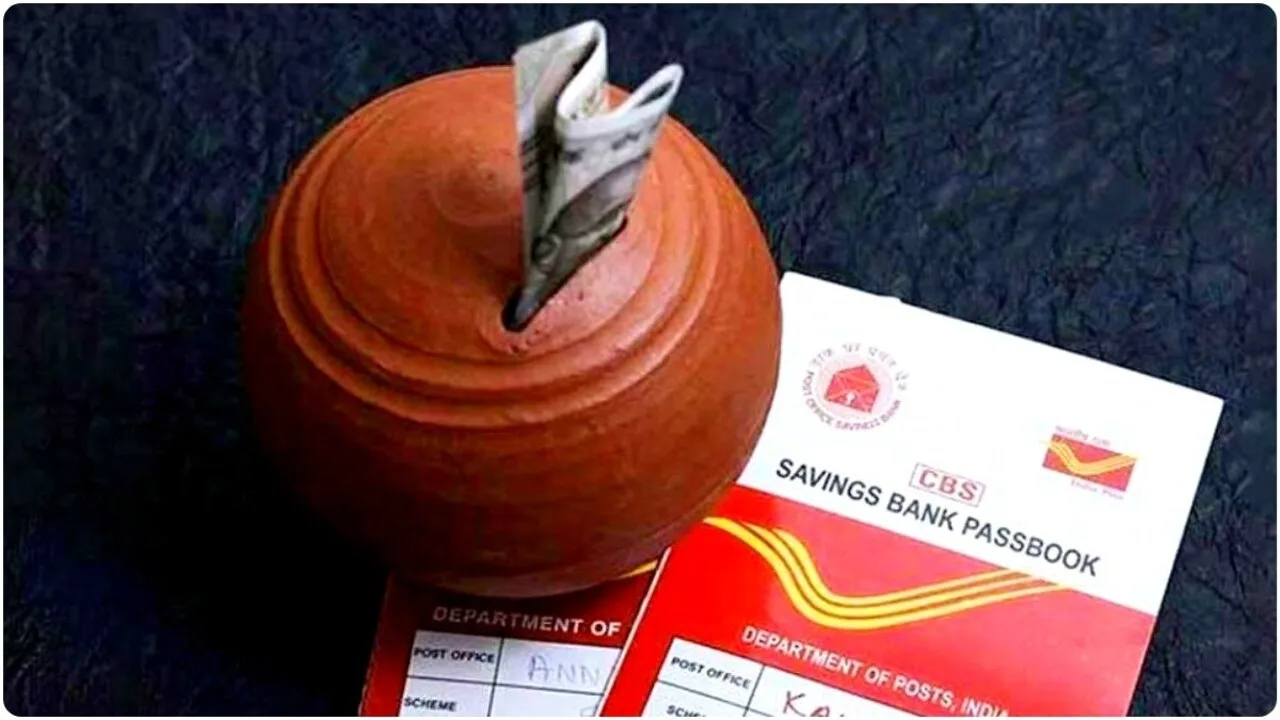
India Post Payment Bank (IPPB) account holders now have access to a new facility: the digital passbook. Previously, the bank issued a physical card instead of a passbook, but now customers can download their passbook online from the comfort of their homes. In this article, we will guide you through the complete step-by-step process of downloading the Post Payment Bank passbook, making it easy for you to access it without any difficulty.
First Step for Post Payment Bank Passbook Download
Before downloading the India Post Payment Bank passbook, you must first register for IPPB mobile banking. You can view and download your bank account passbook only after mobile banking is activated.
Mobile Banking Registration Process for Post Payment Bank Passbook Download:
- Download the IPPB Mobile Banking application from the Google Play Store.
- Open the app after installation.
- Click on the “Login” option in the app.
- To register a new account, enter your account number, customer ID, and date of birth.
- After correctly filling in all the details, mobile banking will be activated.
- Now, you can check and download your account passbook through the IPPB mobile banking app.
Benefits of Downloading Post Payment Bank Passbook
- Convenience at Home: No need to visit the bank.
- Instant Download: The passbook can be downloaded within minutes.
- Digital Format: Available in PDF format, which you can access anywhere.
- Mini Statement: In addition to the passbook, you can also check your account’s mini statement.
Step-by-Step Process to Download Post Payment Bank Passbook
The process of downloading the Post Payment Bank passbook is simple. Follow the steps below:
- Login to Post Payment Bank Mobile Banking App:
Open the IPPB Mobile Banking app on your mobile phone and log in.
- Go to Dashboard:
After logging in, the main dashboard of the app will appear.
- Select Passbook Option:
In the dashboard, options like Mini Statement and Passbook will appear. Click on the “Passbook” option.
- Select Date Range:
Choose the date range for the passbook as per your requirements.
- Click on Download Option:
After selecting the dates, click on the “Download” button.
- Save Passbook in PDF Format:
You will have the option to download the passbook in PDF format. After downloading, you can save it to your mobile or computer.
https://platform.twitter.com/widgets.js
How to Get Customer ID and Account Number for Mobile Banking:
Many users may not know their customer ID or account number. In such cases, you can easily retrieve this information through the SMS facility.
Procedure:
- Type an SMS from the Registered Mobile Number:
Type REGISTER and send it to 7738062873.
- Type Another SMS to Get the Customer ID:
Type GETCIF followed by your date of birth (e.g., GETCIF 01011995) and send it to 7738062873.
You will receive your customer ID and account number via SMS in a short time.
Features of Post Payment Bank Passbook Download
- Digital Form: This passbook is safer and more easily accessible compared to a physical passbook.
- Free of Cost: There are no additional charges for downloading the passbook.
- Data Security: Your banking information is completely safe.
- Anywhere Availability: You can check your passbook from anywhere, at any time.
Importance of Mobile Banking
The use of the Post Payment Bank passbook download service extends beyond just passbook access. It also offers many other banking services to customers, such as:
- Balance Check
- Mini Statement
- Fund Transfer
- Bill Payment
Related Articles You Might Enjoy: