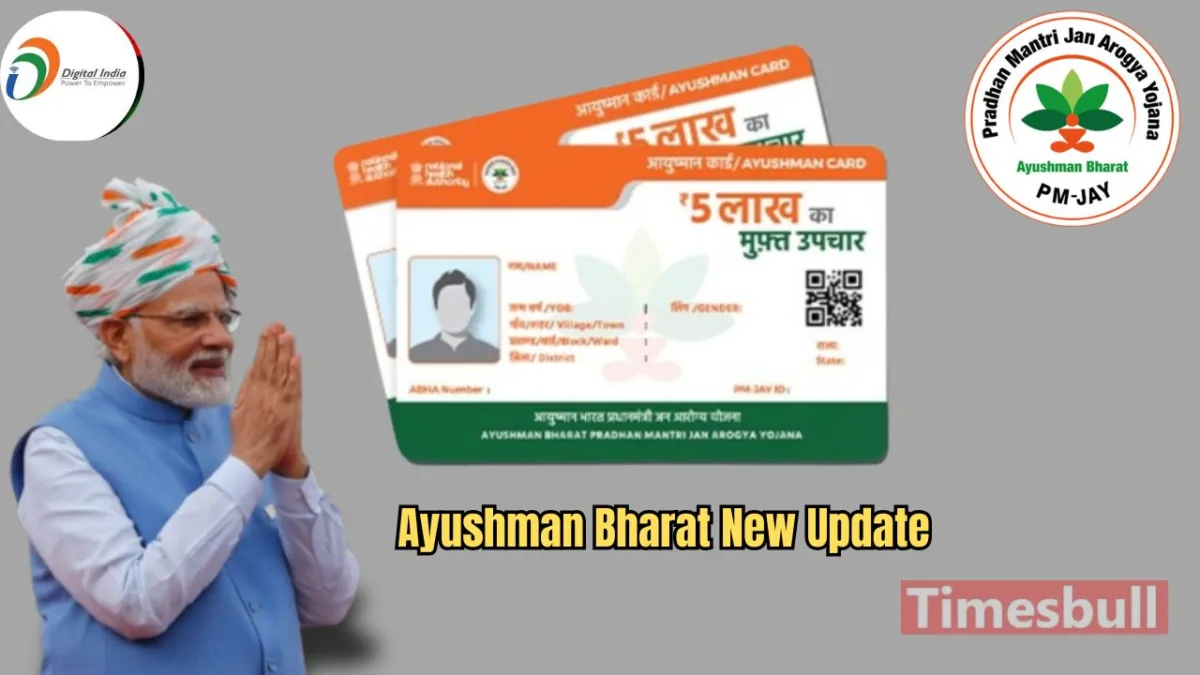
Pradhan Mantri Jan Arogya Ayushman Bharat Yojana is one of the most prominent health assurance schemes in the world. Under this scheme, financially disadvantaged individuals are provided free treatment up to Rs 5 lakh. Recently, a significant change was made to the rules, and senior citizens above 70 years of age were also included. Senior citizens across the country, irrespective of their economic or social background, can now get their Ayushman Card under this scheme. Additionally, you can easily use the Ayushman Card by adding it to Google Wallet. Let’s find out the Step-by-Step Process here.
Google has shared information regarding the integration of the Ayushman Bharat Card with Google Wallet through a partnership with Eka Care. This integration will allow users to easily link their ABHA Health ID (Ayushman Bharat Health Account ID) to Google Wallet, enabling them to access and display lab tests, medical reports, and more at any hospital in India.
How to Link Your Ayushman Bharat Card to Google Wallet
- First, users must link their ABHA Health ID to Google Wallet.
- Then, authenticate the device using a fingerprint or password for security.
- This process ensures that the medical records of Ayushman Bharat cardholders are safely stored and easily accessible.
Benefit for Senior Citizens
After the recent rule changes by the Modi government, which extended the Ayushman Bharat scheme to senior citizens over 70 years of age, approximately 6 crore elderly citizens in India will directly benefit from this scheme.
Which states are already active in Ayushman Bharat Yojana
Ayushman Bharat Yojana is active across all states and union territories, with some variations in states like Delhi and Punjab that have their health schemes. Key states include Uttar Pradesh, Bihar, Odisha, Karnataka, Rajasthan, and Kerala, among others.
How To Apply Ayushman Bharat Yojana Online
To apply for Ayushman Bharat Yojana online, follow these steps:
- Visit the official website: Go to the PMJAY website.
- Check eligibility: Use the “Check Your Eligibility” option to see if you qualify for the scheme.
- Register: If eligible, click on “Apply Now” to register.
- Fill in details: Provide your details such as name, contact, and family information.
- Upload documents: Upload required documents like Aadhar card, proof of income, etc.
- Submit the application: After filling out the form, submit it for approval.
- Receive Ayushman Bharat Card: If approved, you will receive your Ayushman Bharat card to avail the benefits.