

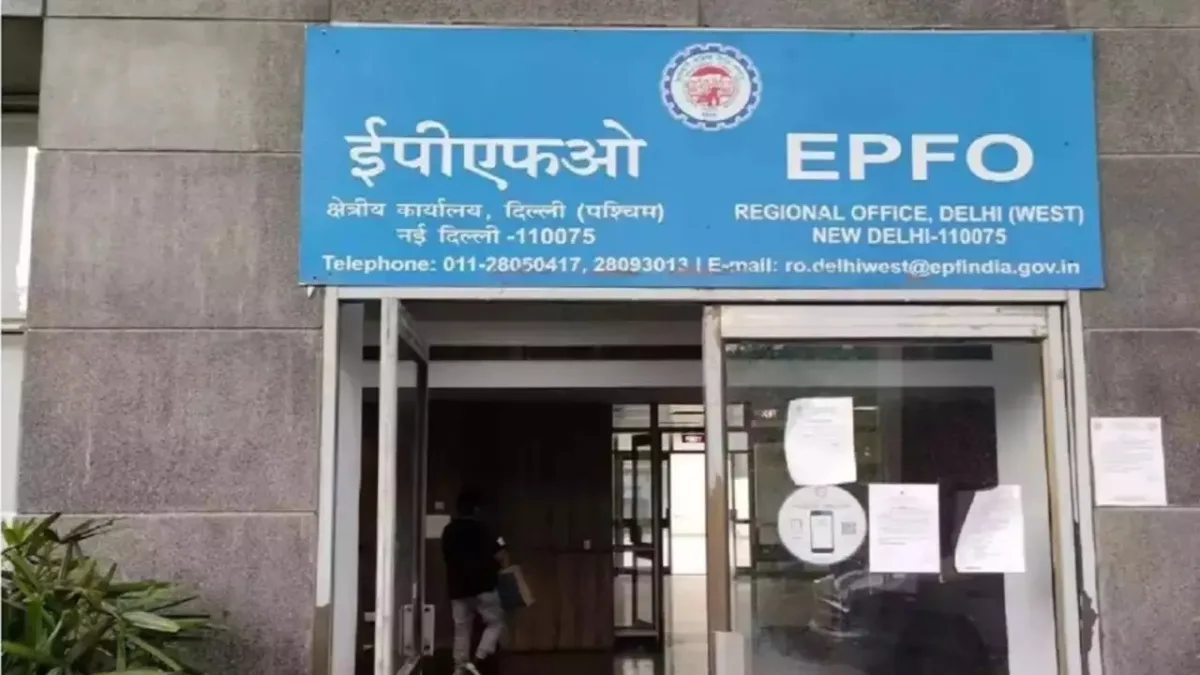
Everyone knows that financial savings are very important for future security. Employees’ Provident Fund or EPF is one of the options for this financial savings for employees. As long as the private sector employees are employed, a part of their salary is deposited in the EPF account. But no one can say when they need money. In such a situation, if you are also willing to withdraw money from EPF, then know the whole process.
In these circumstances can make partial withdrawals
1. Medical Requirements
2. Self or child’s marriage
3. To pay home loan
4. To buy a house
5. To renovate the house.
For most of these partial withdrawals, the EPFO member should be an EPF member for a minimum of five or seven years.
How to withdraw money from PF
Step 1. You need to visit the UAN portal and enter your UAN number and password.
Step 2. You will get an OTP on your mobile number linked to Aadhaar. Enter this OTP and captcha.
Step 3. Your profile page will open. In the upper right part of the web page you will find the “Online Services” option. Now click on ‘Claim’ from the scroll down options.
Step 4. Now you have to verify the member details by entering the bank account number associated withbalance
Step 5. Now a Certificate of Undertaking will be received stating that the claimed amount will be deposited by EPFO in this bank account. Now you have to click on ‘Yes’ for the terms and conditions.
Step 6. Now you can proceed for an online claim. As soon as you click on this option, a section will open, in which you will have to enter more details.
Step 7. Here you have to tell your address and also upload some documents like scanned cheque and Form 15G. In this way, the claim will be submitted to withdraw the balance of the EPF account.
How to check PF account balance
You can also know the balance of your PF account through SMS. You can also know your EPF account balance and the latest contribution in your account by sending an SMS to 7738299899 number. For this, you have to send the message by typing AN EPFOHO ENG from the registered number. ENG denotes English here. If you want to learn in another language, write the first three letters of that language.
