

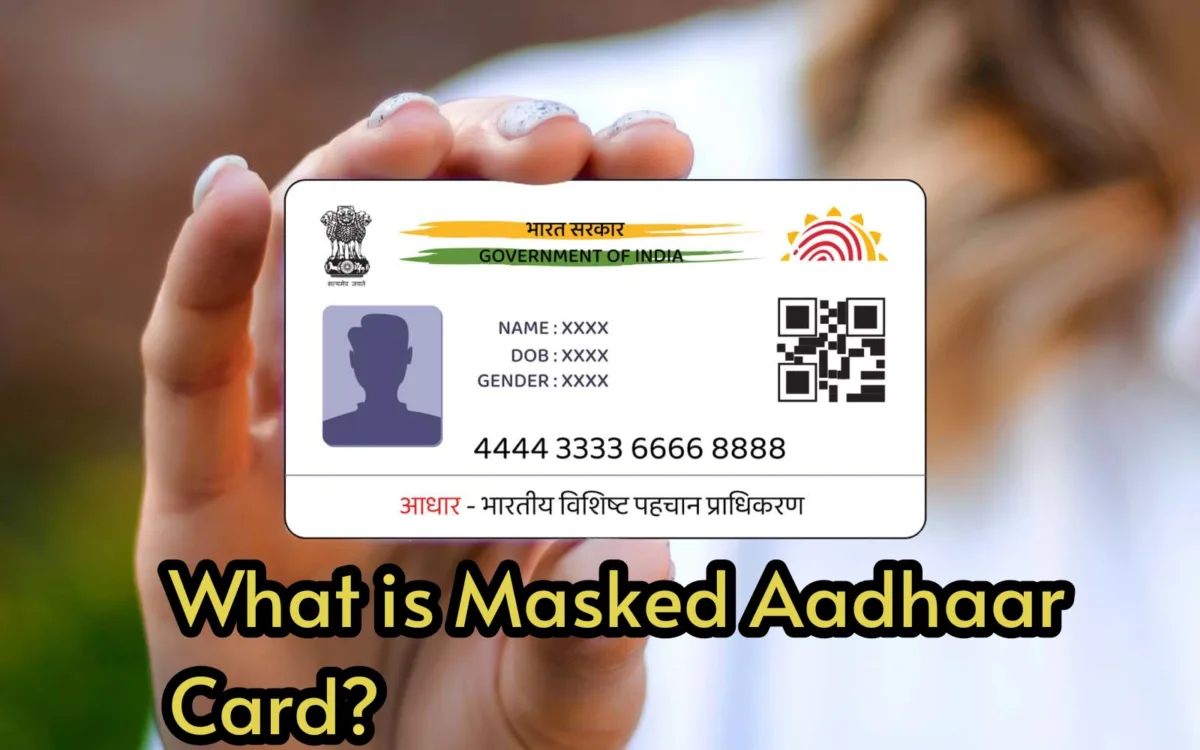
When you check into an OYO room or hotel, you’ll be asked to provide an Aadhaar card for verification. Many people present their original Aadhaar card or a photocopy to the hotel staff or send it via text, but this can expose your personal information to risks. Sharing this data can lead to identity theft and potential financial loss through cyber fraud. To protect yourself, it’s advisable to use a Masked Aadhaar card.
What is a Masked Aadhaar card?
A Masked Aadhaar card is a safer alternative to the standard Aadhaar card. It conceals the first eight digits of your Aadhaar number, displaying only the last four. It contains your essential details such as your name, date of birth, and photo, while keeping sensitive information secure.
You can use the Masked Aadhaar card for hotel check-ins, train journeys, and at airports, ensuring your safety and minimizing the risk of data theft.
How to download a Masked Aadhaar card?
Downloading a Masked Aadhaar card is quite simple. Here’s how to do it step by step:
1. Start by visiting the official UIDAI website.
2. Click on the “Download Aadhaar” option.
3. Enter your Aadhaar number, Enrollment ID (EID), or Virtual ID (VID), and fill in the captcha.
4. When prompted, select the “Masked Aadhaar” option and complete the OTP verification.
5. Once verified, your Masked Aadhaar card will be downloaded in PDF format.
How to unlock the downloaded Aadhaar?
1. The Masked Aadhaar card is secured with a password.
2. To unlock it, enter the first four letters of your name (in uppercase) followed by your year of birth (YYYY).
3. For instance, if your name is “MUKESH” and your birth year is 1992, your password would be “MUKE1992”.
4. You can use the Masked Aadhaar card as a valid form of ID for hotel check-ins, airport travel, and train journeys.
